

Get real-time data
Transit agencies can successfully launch a GTFS Realtime (General Transit Feed Specification Realtime) program by following this step-by-step process that demystifies what’s required and where to get help at every stage.
Why GTFS-RT matters? GTFS Realtime lets agencies share live bus and train arrival times with riders, reducing uncertainty and improving overall satisfaction. Riders increasingly expect this information, and agencies benefit from better trip planning and increased ridership.
Find out where to begin, what you need, and how to plan for success:
- Plan: Ensure your agency has GTFS Schedule feeds and fleet connectivity, gather your project team to determine what, if any, support is needed to initiate the project
- Review the 3 pre-negotiated contracts that are available to purchase from DGS (no further competitive bidding needed) and draft initial requirements
- Engage vendors for pricing and project detail
- Purchase: Select vendor to contract with, and sign a User Agreement
- Launch: Follow implementation guidance and start sharing real-time updates with your riders
The scoping process was way easier and more accessible for our small team. We’re able to prioritize GTFS-RT first and foremost before getting contactless payments.
Agency guide for real-time data
Assemble your basics
Confirm your current GTFS Schedule feed is correct and up-to-date.
- If you do not have a GTFS Schedule feed, please reach out to discuss your options. If you need educational information to share with your staff or board of directors, please review the Introduction to GTFS
- If you have a Schedule feed, Cal-ITP provides monthly data quality reports.
Check your fleet’s internet connectivity; a data connection is required, and you may need to upgrade existing data plans.
- Check out the pre-negotiated data plans your agency may be eligible to upgrade and save on monthly costs.
Check with your funding agencies.
- Projects from these MSAs may be funded through grants from the FTA↗, Caltrans↗, and other sources of local and state public funding.
Connect with an Cal-ITP Account Manager for guided GTFS Realtime support
Understand purchase options
How to buy off the pre-procured bench
California offers 3 MSAs (Master Service Agreements) that make it easy to purchase GTFS Realtime software (and optional hardware) without doing your own procurement. You can purchase through these agreements and negotiate the best prices for your agency.
All contracts include:
- Creation of GTFS Realtime feeds
- Integration into up to 3 journey planning apps (i.e. Google Maps, Transit App, Apple Maps, etc.)
- Optional hardware for purchase*
*Hardware is necessary to enable software services, however transit providers may choose to either use their own hardware or purchase devices through the MSA
GTFS Realtime MSAs
Click on each MSA for terms and conditions.
| MSA vendors | MSAs | Pricing structure | Hardware options** | Eligible networks |
|---|---|---|---|---|
| Connexionz Ltd | 5-24-70-42-01 | Base fee + variable fees based on EITHER vehicles or routes | Cellular routing kit (with Pepwave MAX BR1 Mini) |
|
| Passio Technologies LLC | 5-24-70-42-02 | Base fee + variable fees based on EITHER vehicles or routes |
|
|
| Swiftly Inc | 5-24-70-42-03 | Variable fees based on number of vehicles | Samsara VG55 |
|
|
|
**You can always bring your own hardware. These are simply the options you could purchase through each vendor. Purchase through a vendor includes a 5-year device warranty.
Draft a Scope of Work (SOW)
Creating a clear, focused SOW will ensure vendors understand your needs. Download and fill in our SOW template. Be sure to specify your operating goals, technical environment, and any must-have features or services. Your Cal-ITP Account Manager can offer guidance and review your SOW before sending it to vendors.
Engage vendors
Send your SOW to vendors. We recommend sending the SOW to all MSA-awarded vendors using our email template. Their up-to-date contact information can be found in the MSA User Instructions document (vendor links: Connexionz Ltd↗, Passio Technologies LLC↗, Swiftly Inc↗)
Assess proposals and negotiate as needed; don’t be afraid to ask questions or request changes.
Sign your user agreement
Once you’ve selected the winning proposal, you and the MSA vendor must execute a User Agreement including the SOW, agreed pricing, and referencing the MSA terms. You can use a Standard Agreement such as STD 213 for DGS↗ or Sample User Agreement.
The User Agreement references the terms of the MSA and allows items to be specified, for example, you can modify the default SLAs/KPIs. The term of the MSAs is for 3 years, with the option to extend for 2-year periods twice.
Get ready to launch
Work closely with your vendor to implement and begin generating real-time data. If technical or practical issues arise, dedicated support channels are available for ongoing troubleshooting.
Your User Agreement will contain SLAs/KPIs. If the vendor is unable to meet the SLAs/KPIs or the completion of Project Implementation Plans is late, it may trigger service credits for you.
Tell your riders
Share the exciting news with your riders and community. Consider reaching out to local press or Streetsblog↗. Take a moment to celebrate the hard work of launching GTFS Realtime!
Additional info
Commonly asked questions
Do I need any special hardware?
No, you don’t need special hardware. However, fleets must have internet connectivity and GPS to share real-time data. You can use existing equipment or purchase devices through MSAs.
Do I need GTFS Schedule to create GTFS Realtime data?
Yes, you must first produce a compliant GTFS Schedule feed.
Cal-ITP offers support with GTFS, including providing a monthly quality report on both your GTFS Schedule and Realtime feeds via California GTFS Quality Dashboard↗. Technical experts are available to help agencies understand the report and resolve any errors.
How do I know if my feed has good data quality?
To check if your GTFS Schedule feed has any validation errors or warnings that could compromise its quality, run your feed through the Mobility Data validator↗.
Fare, holiday service, wheelchair accessible, etc. should be dictated within your GTFS Schedule feed which works in tandem with your GTFS-RT feed to provide accurate service information to riders.
What are MSAs?
The California Department of General Services (DGS), in collaboration with Cal-ITP, conducted a Request for Proposals that established three competitively awarded Master Service Agreements (MSAs), contracts that allow U.S. public transportation providers to purchase directly from California’s DGS without further competitive bidding.
Projects resulting from these MSAs may be funded through grants from the Federal Transit Administration (FTA), and/or the State of California, California Department of Transportation (Caltrans), and other sources of local and state public funding. Check with your funding agencies.
Still have questions? Email us at hello@calitp.org.
Special cases
Can I use this for my on-demand route?
GTFS Realtime is generally used in a fixed-route environment. There are many widespread use cases with fixed-route service such as integration with major trip planners (such as Google Maps). There may be some experimental use cases in on-demand settings that not all GTFS Realtime consuming applications may be able to support.
Downloadable resources
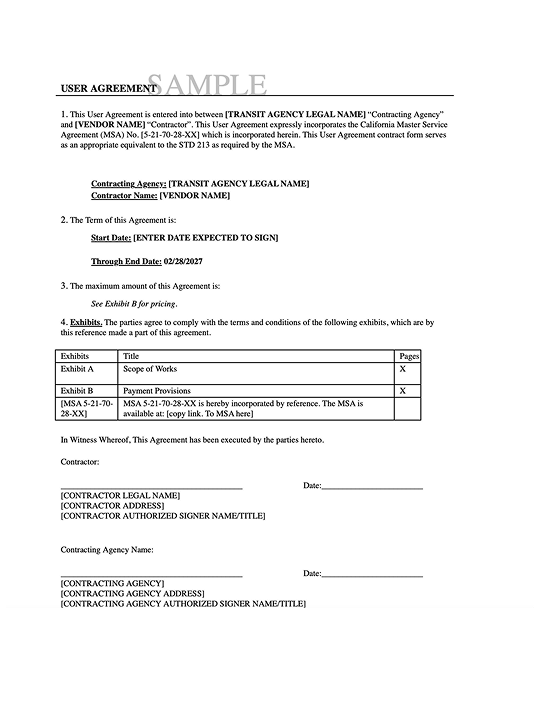
Sample User Agreement
To enter into contract with your selected vendor
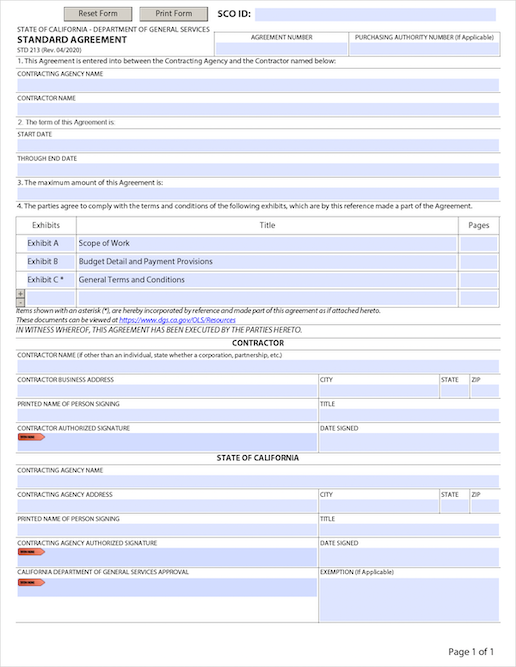
Standard Agreement
To enter into contract with your selected vendor
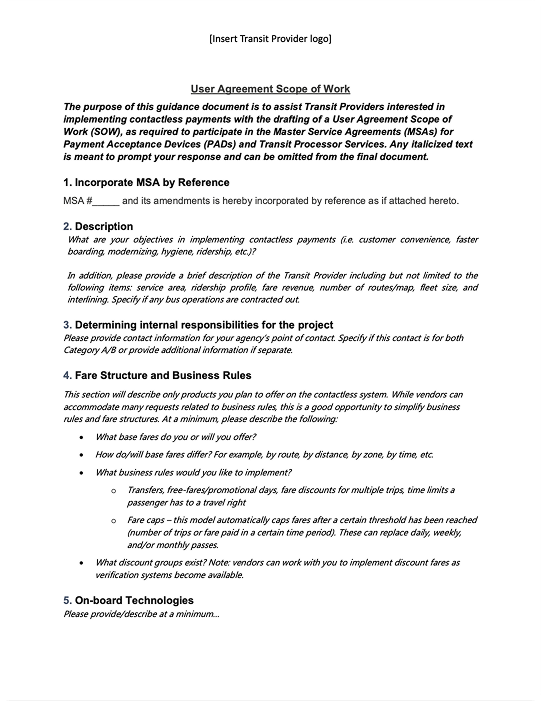
Scope of work template
Document your project needs and goals to send to vendors
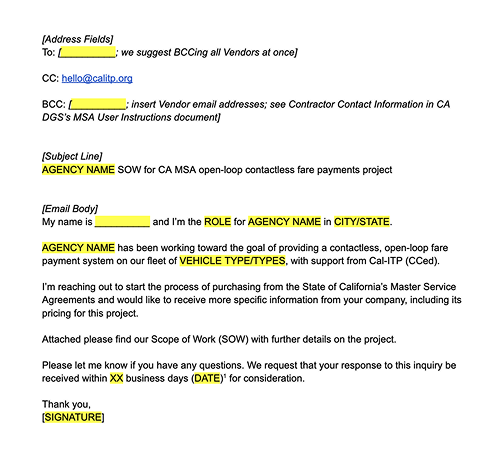
Email template
To facilitate vendor outreach